5 signs your business is ready for digital transformation
Transformation rarely starts with a grand strategy. It usually starts with frustration — the same manual work, missing data and slow answers, week after week.
Digital transformation is not about buying more software. It is about changing how work gets done, so information flows without being copied, decisions are made on current data and growth doesn't depend on adding more paperwork. Most businesses don't need a consultant to tell them they're ready; the signs show up in everyday frustrations. Here are five of the most common.
1. Your team types the same data more than once
An order arrives by email, gets typed into a spreadsheet, then typed again into the accounting system and once more into a delivery schedule. Every re-entry costs time and creates a chance for error — a wrong quantity, a missed digit in a price. If your people spend hours each week copying information between systems, that is the clearest sign that connecting those systems will pay back quickly.
2. Nobody trusts a single version of the numbers
Sales has one spreadsheet, finance another and operations a third, and the monthly meeting is spent debating whose figure is right. When departments keep their own copies of the same data, they drift apart. A shared database or a connected set of applications gives everyone one source of truth, so meetings move from arguing about the numbers to acting on them.
3. Decisions wait for reports
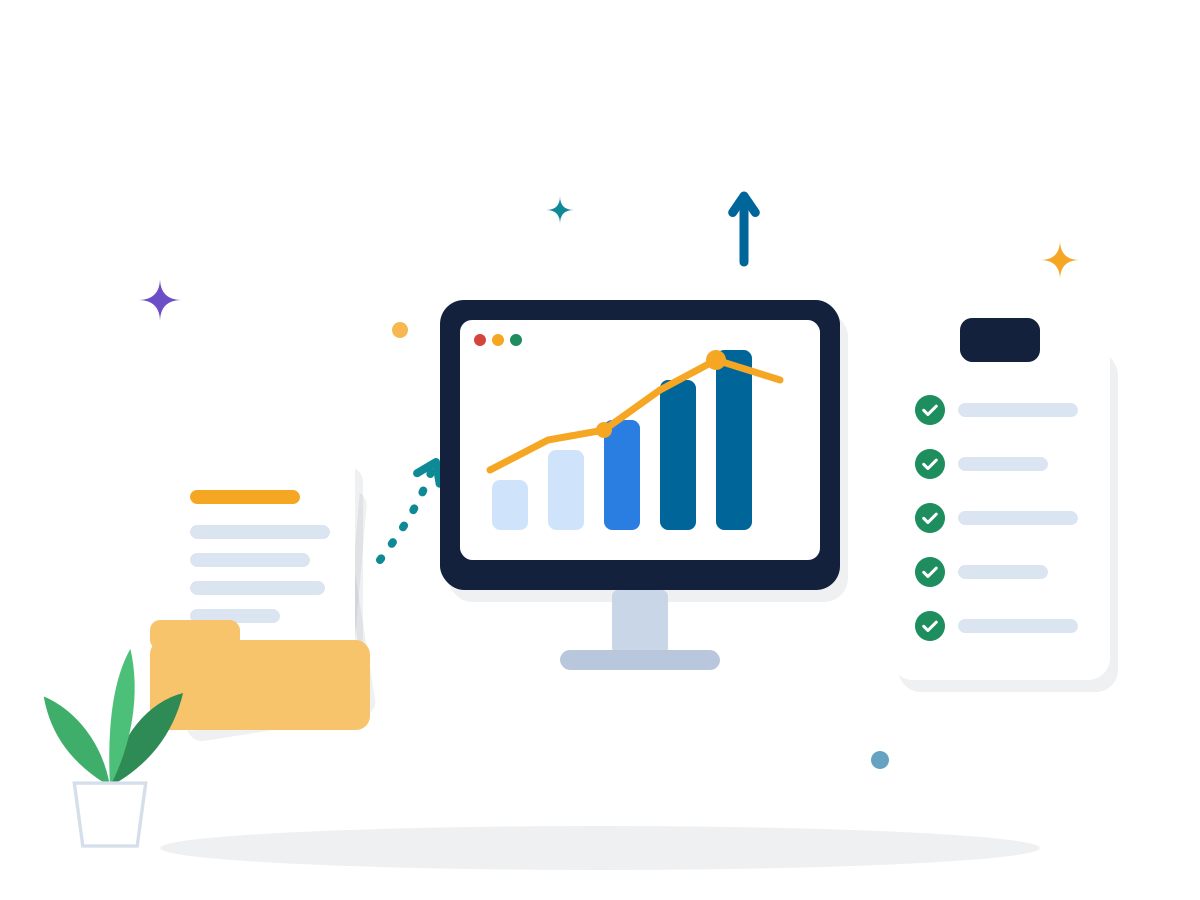
If someone spends the first week of every month compiling a report, the business is steering by information that is already weeks old. By the time you notice that a product line is slowing or a client is paying late, the moment to act has passed. Live dashboards built on connected data turn monthly surprises into early warnings.
4. Customers expect self-service you can't offer
Clients call or email to ask where their order is, to request a copy of an invoice or to update their details. Each request is small, but together they consume hours of your team's time — and customers increasingly expect to find these answers online, at any hour. A simple client portal, online payments or automated status updates can improve service and reduce workload at the same time.
5. Growth means hiring for admin, not for value
When every new customer means more paperwork, growth starts to require more administrators rather than more engineers, salespeople or specialists. Watch for a related warning sign: processes that only one person knows how to run. If month-end closing stops when a single colleague is on leave, the process lives in someone's head instead of in a system.
Where to start
If three or more of these signs sound familiar, resist the temptation to launch a company-wide programme. Large, all-at-once projects are expensive, slow to show results and hard to correct. Start small instead:
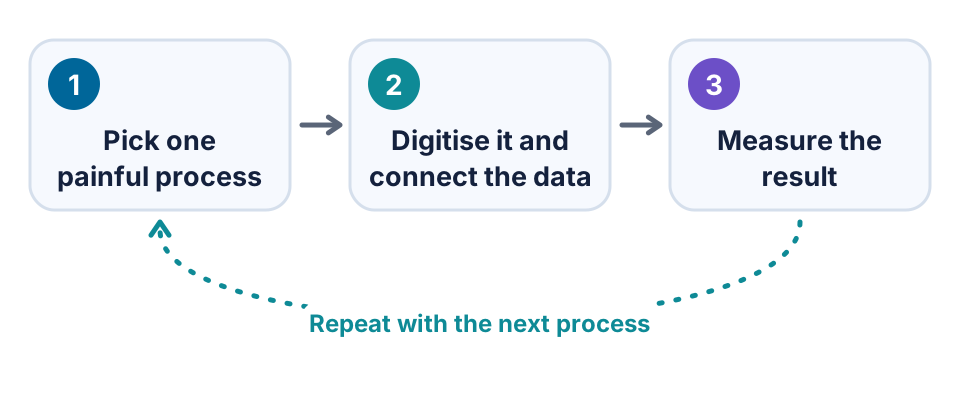
- Pick one painful process with a cost you can measure — hours spent, errors made or days lost. Order-to-invoice is a common first choice.
- Map how it works today, step by step, with the people who actually do it. You will usually find steps that can simply be removed, and the people involved will help the new way of working stick.
- Digitise it and connect the data, reusing systems you already have wherever possible instead of adding another tool.
- Measure the result against your starting point, then choose the next process.
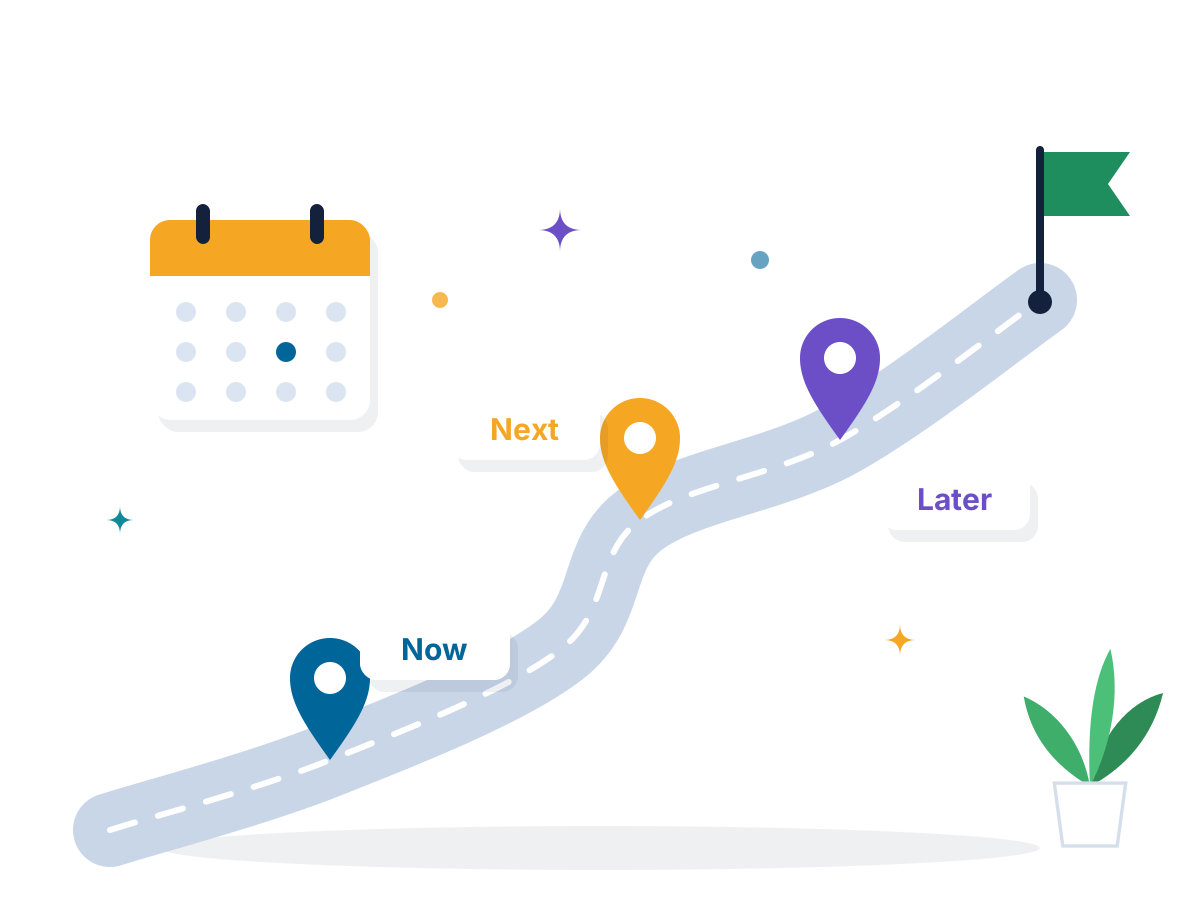
As the number of initiatives grows, a simple plan keeps them aligned with business goals; our guide to building a technology roadmap your team will actually use shows how. If the obstacle is an ageing core system, read about modernising legacy software without disrupting your business.
Common first projects
The best first project removes a daily frustration and shows results within weeks. Choices that work well for many businesses include:
- Order-to-invoice automation, so confirmed orders create invoices without re-keying.
- A shared customer database that sales, finance and support all work from.
- Digital approvals and e-signatures in place of printed forms and email chains.
- A client self-service portal for order status, documents and payments.
- A management dashboard that updates itself from the systems you already run.
The best time to start is before it hurts
Each of these signs gets more expensive as the business grows. Recognising them early lets you modernise at your own pace rather than in a crisis, and every process you improve frees time for the next. If you'd like help choosing and delivering a first step, explore our digital transformation services.
Frequently asked questions
What is digital transformation in simple terms?
It means using technology to change how work gets done — replacing manual, paper-based or disconnected processes with connected digital ones — so the business becomes faster, more accurate and easier to scale.
Do small businesses need digital transformation?
Often more than large ones, because every hour spent on manual admin is a bigger share of a small team's time. Starting with one process at a time keeps the cost and risk low.